Capture
Two taps from any app
Share to Kepto. That's the whole habit.
Now on the App Store
Kepto collects what you save on Instagram, TikTok and Facebook and brings it back when you actually have time to cook it, buy it, or go there.
Saved to Kepto from everywhere

Linen slipcover sofa
Instagram · Buy it
Creamy fettuccine in 15 min
TikTok · Cook it

Fushimi Inari, Kyoto
Pinterest · Go there
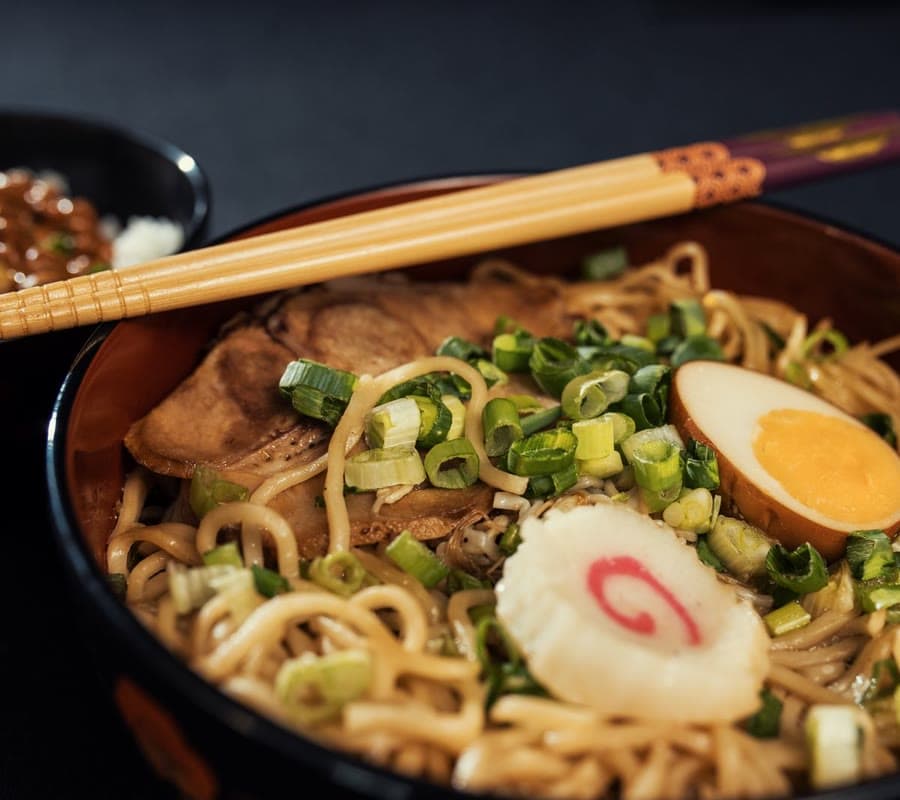
Tonkotsu ramen at home
Instagram · Cook it

Paper pendant lamp
X · Buy it
Repot any houseplant
YouTube · Learn it
Capture
Share to Kepto. That's the whole habit.
Intent
Tap a reason. Kepto works out when to bring it back.
Pick a reason — Pip works out the when.
Projects
Apartment. Lisbon. Sunday dinners. Group saves around a goal, with a date if you want one.
Digest
Every Sunday, your best three. Did it, later, or let it go.
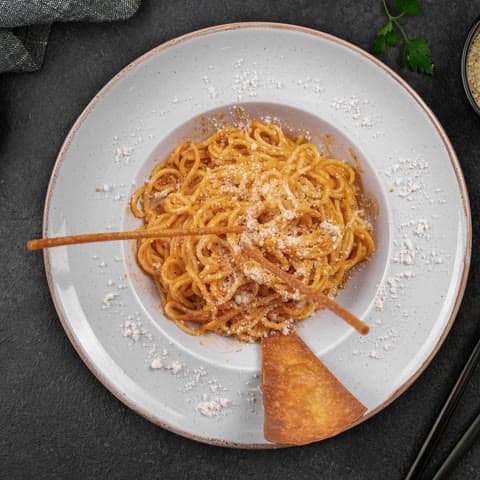 Weeknight spaghetti
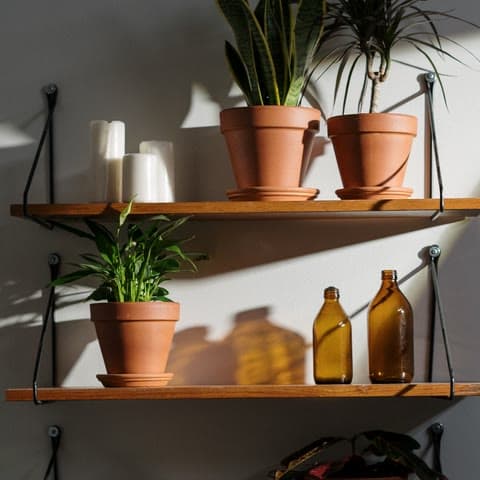 Oak shelf
 Alfama, Lisbon
Mac and browser
Kepto for Mac and the Kepto browser extension save to the same library as your phone, so Pip still brings things back when you have time for them.
Kepto for Mac
Paste a link or drop a picture, say why, done. Pip sits in your menu bar, and Kepto is in the Share menu of Safari, Photos and Finder.
For macOS 15 or later. Pro on your iPhone is Pro here too.
Browser extension
Bookmark a post on Instagram, TikTok, X, Pinterest or YouTube and Kepto keeps it as well, on the sites you turn on. Anywhere else, one click saves the page.
Chrome, Arc, Brave, Edge and Firefox, and Safari with Kepto for Mac. It only reads a page when you save it.
Soon on the Chrome Web Store
The save calculator
Drag to roughly how many things you've saved this year. Be honest — nobody's watching.
Never opened again
Roughly
1.2h
of things you meant to do
With Kepto
20
weeks to act on the ones that matter
279 good ideas, quietly expiring. Three a week fixes that.
Get KeptoPip's Sunday drop
Every Sunday at 9, Pip shares what Kepto users saved most — right next to your own best three.
Cook-it saves peak Thursday night. Pip brings them back Sunday, groceries first.
Stories from early users
“I had 400 saved recipes and had cooked maybe six. Kepto put three in front of me on Sunday. I cooked all three.”
No. You share a post to Kepto like you would to Messages. Kepto reads the link and the caption, nothing else. Your Instagram, TikTok and Facebook logins never touch us.
When you first open the app you can import your existing saved collections from all three apps. Pip suggests intents and projects for them so you start with an organized library, not a pile.
Gentle by default: a Sunday digest and up to three nudges a week, only for things you gave a 'when'. You can turn it down to digest-only in one tap.
Both. Kepto for Mac sits in your menu bar: ⌥⌘K saves a link or a picture from any app, and Kepto is in the Share menu. The browser extension (coming soon) saves any page in one click, and on the sites you turn on, pressing Save on a post saves it to Kepto too. It all lands in the same library as your phone.
No. It reads a page only when you save it. On Instagram, TikTok, X, Pinterest and YouTube, if you turn them on, it notices the Save button you press and reads that one post. Nothing else leaves your browser.
Yes, to start. Free keeps 50 saves and the Sunday digest. Pro keeps everything and adds project due dates and sharing.
Kepto is free on iPhone. Pip's ready when you are.
On a computer? See Kepto for Mac and the browser extension